One of the mistakes I see most often as a genealogy tech blogger is family historians using online trees exclusively. Companies like Ancestry, MyHeritage, FamilySearch, and Findmypast have great online tools for discovering new information about your ancestors. However, they shouldn’t be the only place you work on your family tree.
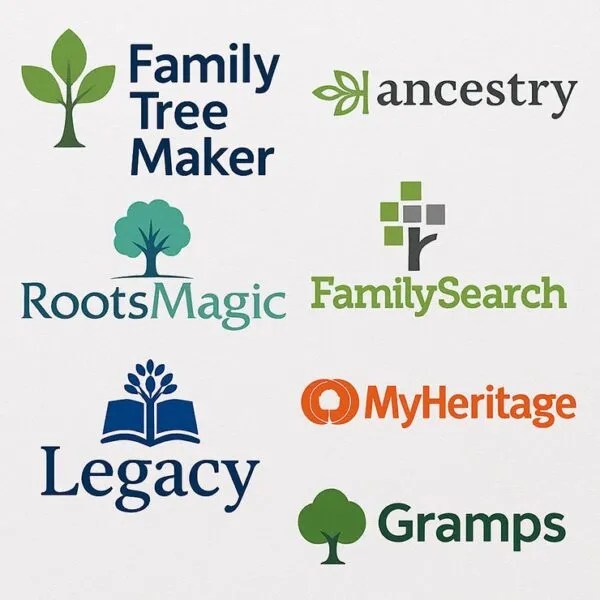
Instead, power users employ an offline family tree program along with their online trees. Genealogy software like RootsMagic, Family Tree Maker, Legacy Family Tree, and Gramps offer advantages that many online-only genealogists never realize they are missing.
Own Your Information
When your tree lives only on a website, you don’t truly own your information. You are at the mercy of that company’s subscriptions, policies, and technology. An offline family tree program lets you store a copy of your database on your computer. You own your data and can access it no matter what changes an online company makes to their trees.
Use RootsMagic, Family Tree Maker, Legacy Family Tree, or another program and you’ll have peace of mind knowing you own your own information. Online trees should be viewed as tools, not home.
Better Organization
Genealogy programs run on your computer are specifically designed for genealogy. Many have excellent source citation, research notes, timelines, reporting, and analysis tools that you just can’t find online.
Offline trees become more valuable as your family tree grows to include hundreds or even thousands of people.
Security From Mistakes
Collaborative trees on the internet can be edited by others. Collaboration is great, but too many people making changes or adding mistakes can create problems. By maintaining your own tree separately, you can ensure that you have your own version of your ancestors carefully documented.
Think of your offline tree as being the master copy. You can publish shares of it to the online world for collaboration or discovery.
Superior Research Documentation
Genealogists are taught to document sources and carefully evaluate evidence. Offline family tree programs typically have much better source citation capabilities. Being able to record where you found information and how you reached your conclusions is invaluable to the research process.
Future generations may inherit your research. Proper documentation now will help them understand how you reached your conclusions.
Data Backup and Security
Hard drives crash and websites come and go. Having a database on your computer allows you to make regular backups on external hard drives or cloud storage. “Lots of copies keep stuff safe” is a rule of thumb in genealogy for a reason. Don’t put all of your tree in one place.
If your subscription expires or a website decides to change how their trees work, your family tree is safe on your computer.
Advanced Reporting
All of the programs mentioned above can create beautiful charts and reports. You can create descendant and ancestor reports, family group sheets, research logs, and historical narratives with greater flexibility than many online trees allow.
Preserving your research in a printable format is a great way to share your family history with relatives.
Online and Offline Trees Can Work Together
Online trees are great for discovering new records, getting hints, collaborating with relatives, and connecting with unknown cousins. Computer programs are great for organization, research documentation, preservation, and data security.
Don’t rely on just online trees or just an offline program. Use both and experience the best of both worlds.
Maintain a master tree on your computer that is well documented and backed up regularly. Then connect with the online genealogy community by publishing a share of your tree to your favorite websites like Ancestry, MyHeritage, FamilySearch, and Findmypast. Using an offline tree program in combination with online research is the best way to preserve your family’s history.


Leave a Reply